The design system
How the design system works
Real screens from Ridgeline Cabinet Co., a made-up shop. Tap a picture or its blue button to try it. Nothing you do is saved.
One job, from drawing to paid
The Brandt kitchen you open here is the one in the drawing set and on the router's sheet. On the shop side it's the job at cutting on the floor, and its balance is in the cash flow.
Open the doors
Drag to turn the kitchen. Tap a door to open it, or open every door and drawer at once.
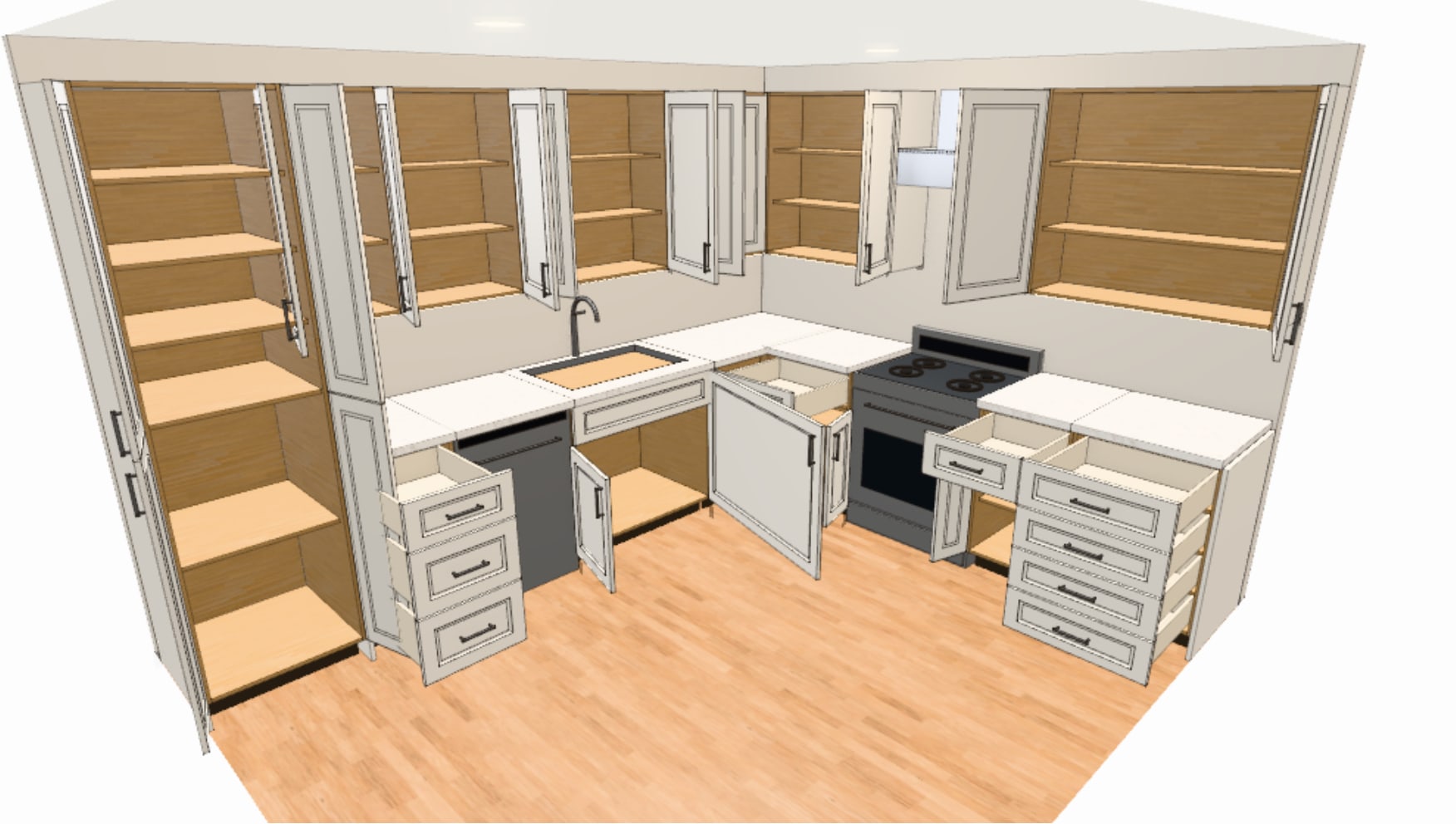
The cabinets you open here are the ones the shop cuts: the nest, the labels and the drawings come from them. And your customer can open the doors too, from a link.
Lay out a room, and let it do the fussy parts
Three short clips of the real room screen. Pick one; it plays while it's on screen, and a tap on it pauses it.
Draw the walls, drop in cabinets, and the price updates as you go.
Build your own part
A shaped end panel in the real part builder. Change the thickness, round a corner, drill a hole, then spin it.
A shaped end panel in the real part builder, step by step. On a computer you can do it yourself.
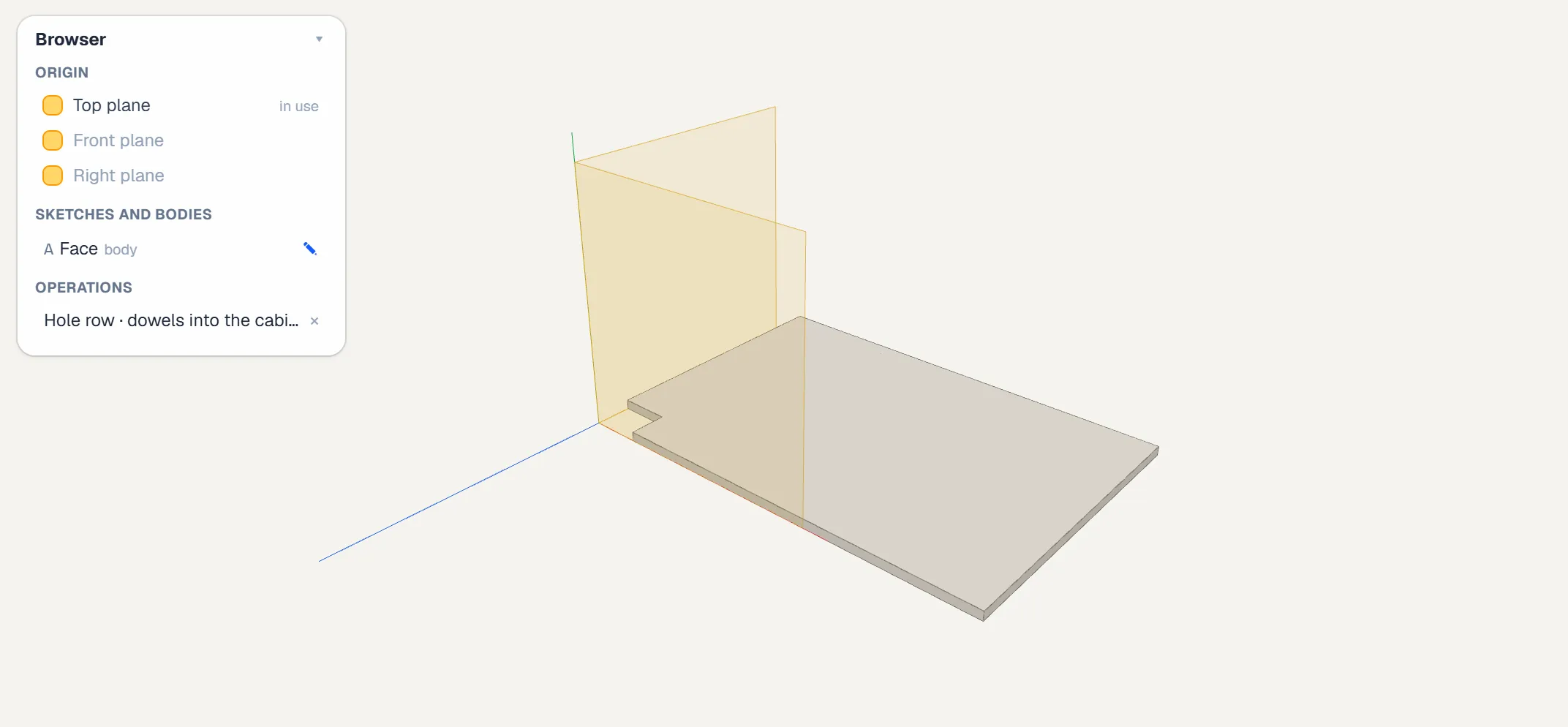
Draw a part once and it's nested, labelled and machined in every job that uses it.
The whole drawing set, from one button
In the app it's one press. Here is the whole set it drew for this kitchen: flip through the sheets, tap one to zoom in, or download the PDF.
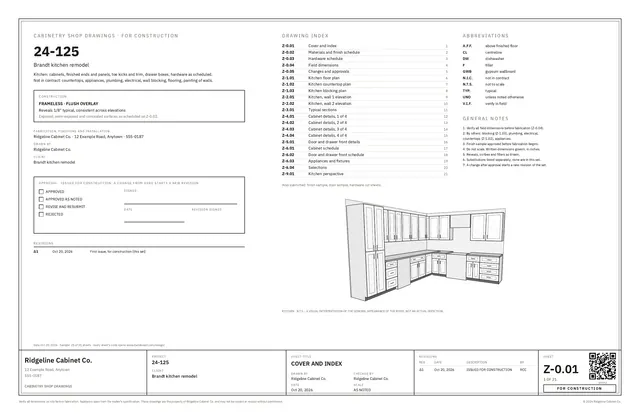
All 21 sheets it drew for this kitchen, the same as in the PDF. It's printed as a sample, so each sheet's code opens this page.
No page setup and no drafting service: numbered sheets with a QR code on each, and an approval block on the cover.
Watch the router cut the sheet
One sheet of this kitchen, nested. Tap a part to read its name, size and machining. Then play the program: the holes, then the grooves, then the outlines.
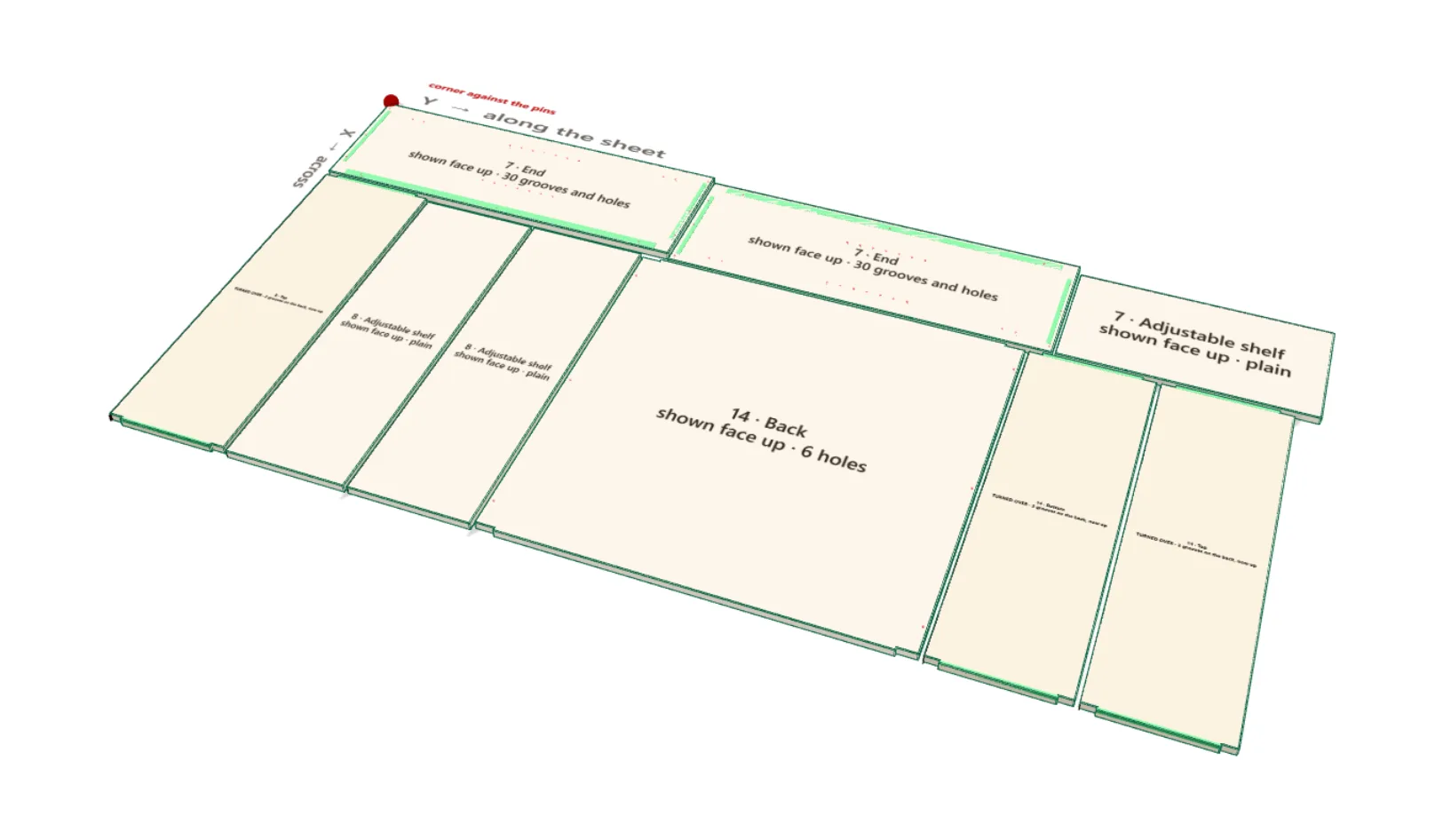
The program here is written for this made-up shop's router and tools, on the plain G-code post a new shop starts with. Set up your own machine in the app, then cut a scrap sheet first.
The nest, the labels and the router program come from the same job you just opened, with no second program to export to.